A live user counter for your desk
In short
A live user counter shows how many people use your product and how many joined today, updated without anyone refreshing a page. DeskBot shows your total users as the big number, new users today, this week and this month, and daily, weekly and monthly actives as bars against the total, read once a minute from your own endpoint.
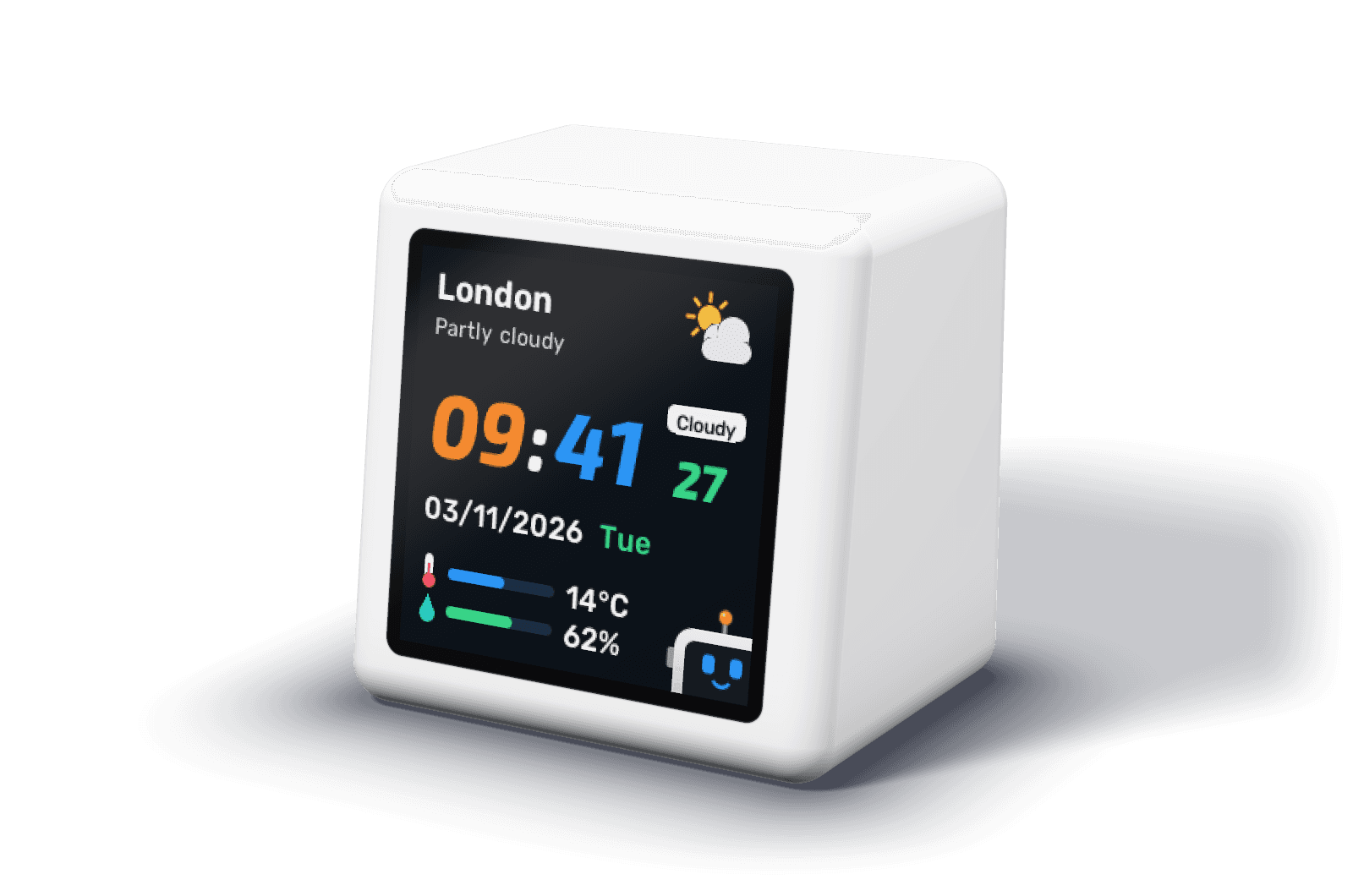
What the users screen shows
- Total users, as the big number.
- New users in the last 24 hours, 7 days and 30 days, as three chips.
- Active users over the same three windows, as bars showing their share of the total, which is your DAU, WAU and MAU at a glance.
What to send
The windows are rolling: 1d means the last 24 hours, not since midnight. Rolling windows move smoothly through the day instead of dropping to zero at midnight, which is what makes the counter feel live.
{
  "people": {
    "total": 1284,
    "new": { "1d": 12, "7d": 57, "30d": 203 },
    "active": { "1d": 148, "7d": 512, "30d": 903 }
  }
}Counting active users without slowing your database
Counting distinct active users over 30 days on every request is expensive on a large table. Two cheap approaches: keep a last_seen_at column on users and count rows above each cut-off, with an index on that column; or compute the three numbers once a minute in a background job and have the endpoint return the stored result. DeskBot waits up to 8 seconds for a reply, so a cached answer is the safe choice.
Define active the way your team already does. A login, a page view or a meaningful action all work, as long as the number on the desk matches the one in your weekly review.
Celebrating sign-ups
Sign-ups also appear on the Pulse screen as one of the day's wins, next to conversions and meetings. If you want a moment on screen for each new paying customer rather than each sign-up, see the sales bell page.
Frequently asked questions
Is the count real time?
It updates once a minute, which is as often as DeskBot asks. For a desk display that is effectively live.
Can it count something other than users, such as orders?
Yes. DeskBot shows whatever numbers your endpoint puts in those fields. The labels on screen stay the same, so it reads best when the numbers are about people.
Is this a website visitor counter?
No. It shows the user numbers your endpoint returns. If you want website visitors on it, return them from your analytics in one of the fields.
Does DeskBot store our user data?
It receives only the counts in the reply, never names or emails, and keeps the last values so the screen is not blank after a restart.