A physical dashboard for your startup's metrics
In short
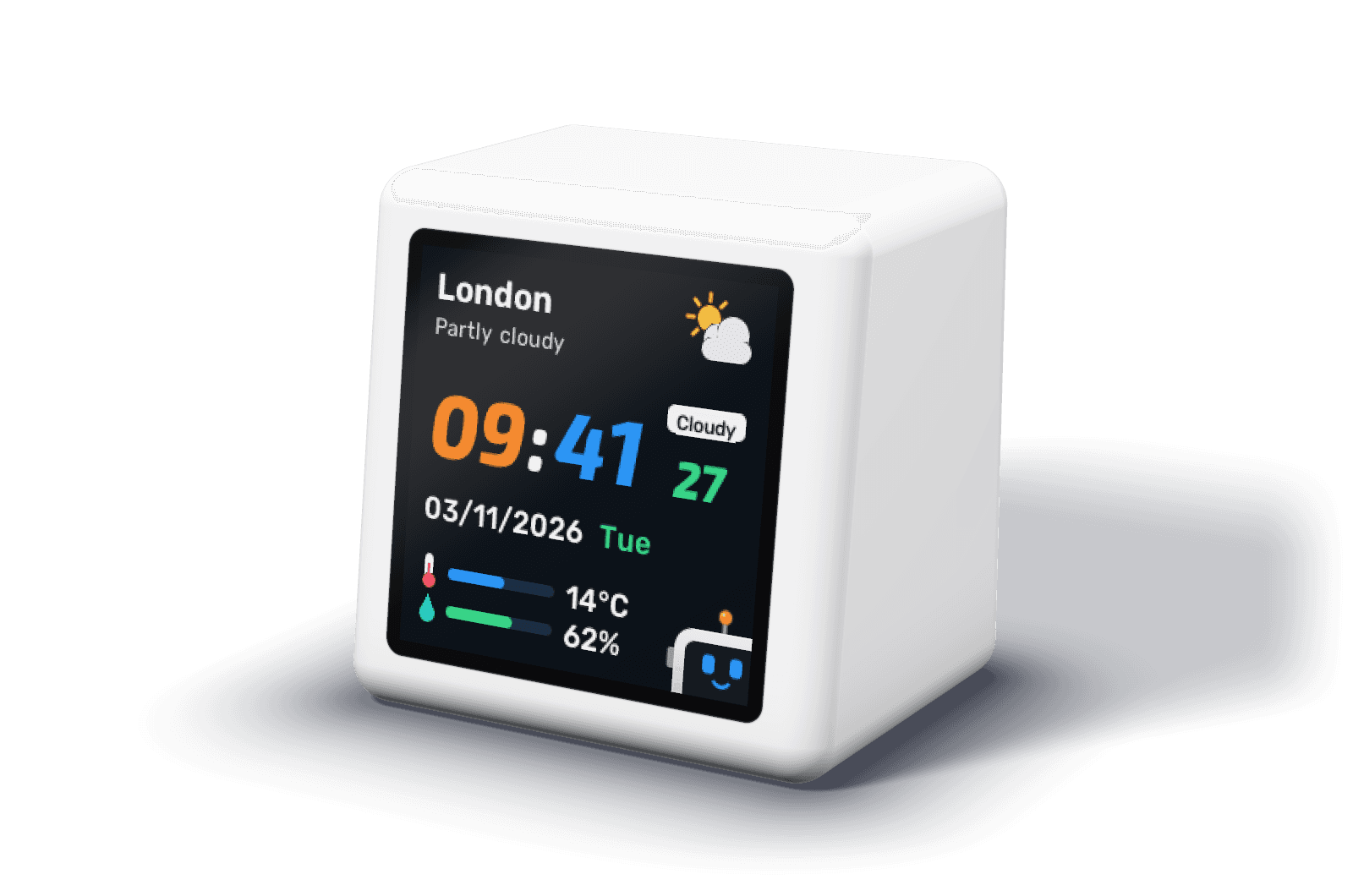
A physical startup dashboard is a screen that shows a handful of company numbers all day, away from the browser. DeskBot is one built for founders: it rotates through revenue (MRR, ARR and their change), users (total, new and active), a breakdown you name yourself (customers, subscriptions, orders or deals) and the day's wins and losses, from one endpoint you control.
Pick the few numbers that change what you do
A screen on a desk earns its place by showing numbers that should change a decision this week. For most software startups that is a short list: what you earn every month, whether people are signing up, whether they come back, whether trials turn into customers, and whether anyone is leaving. Everything else belongs in a dashboard you open on purpose.
| Question | Metric | DeskBot screen |
|---|---|---|
| Are we growing revenue? | MRR, ARR, 7 and 30 day change | Revenue |
| Are people finding us? | New users today, this week, this month | Users |
| Do they come back? | Daily, weekly and monthly active users | Users |
| Who are our customers now? | Active, new, at risk and lost; or paying and trialling, with the trial to paid rate | Breakdown |
| How did today go? | Sign-ups, conversions, meetings, new paying customers | Pulse |
| What is going wrong? | Churn this month, payments past due, expired trials | Pulse |
How DeskBot lays them out
Each screen has one big number and a few supporting ones, sized to be read from where you sit. The screens rotate by themselves, and any you do not need can be switched off. Between them sits the clock, with the weather for your city, so the device is useful even before you connect anything.
Moments interrupt the rotation. A new paying customer gets a celebration on screen; a rise in churn or failed payments gets an alert. Each can be turned off if your team prefers calm.
One endpoint, not ten integrations
DeskBot reads every number from one JSON reply on your own server, once a minute. That sounds like more work than clicking connect on an integration, but it is usually a single route, and it means the numbers come from the database and billing system you already trust rather than a third party's interpretation of them. Every field is optional: start with one and add the rest when you have them.
If your JSON is already shaped differently, map each value to its path on the settings page instead of changing your server. The setup guide walks through both.
When a TV dashboard is the better choice
If you want ten charts for a whole sales floor, a wall screen running a dashboard tool is the right answer. DeskBot is for the other case: one person, or a small team, who want the handful of numbers that matter in view all day without giving up a monitor to them.
Frequently asked questions
Can I choose which metrics DeskBot shows?
You choose which screens appear and which numbers your endpoint sends. Revenue, users and pulse have fixed layouts; the breakdown screen takes your own title, up to four group names and a share or conversion card. Presets cover customers, subscriptions with trials, orders and sales deals.
Does it work for a business that is not SaaS?
It suits subscription software best, because the revenue screen is built around MRR and ARR. An e-commerce or services business can name the breakdown screen for orders or sales deals and use the revenue and pulse screens for monthly revenue and daily wins.
Do I need a developer?
You need an HTTPS address that returns JSON. For most startups that is one route in the existing backend. A no-code tool that writes a JSON file to a public HTTPS host works too.
Can it show trial to paid conversion?
Yes, as the card on the breakdown screen. Send trials converted and trials expired in the last 30 days and DeskBot shows the rate, which is how Stripe defines its own trial conversion rate: trials converted over trials that ended.
How is it different from Geckoboard or Databox?
They are dashboard software for TVs and browsers, with many charts and a monthly plan: Geckoboard starts at $79 a month billed annually, and Databox has a free plan (as listed on 8 November 2026). DeskBot is one small device for one desk, paid for once.