An MRR display for your desk
In short
An MRR display is a small screen that shows your monthly recurring revenue all day without opening a dashboard. DeskBot does it on a 1.54-inch Wi-Fi clock: MRR as the big number, ARR beneath it, the 7 and 30 day change, and a sparkline it draws from its own hourly readings. It reads the numbers once a minute from one endpoint you control.
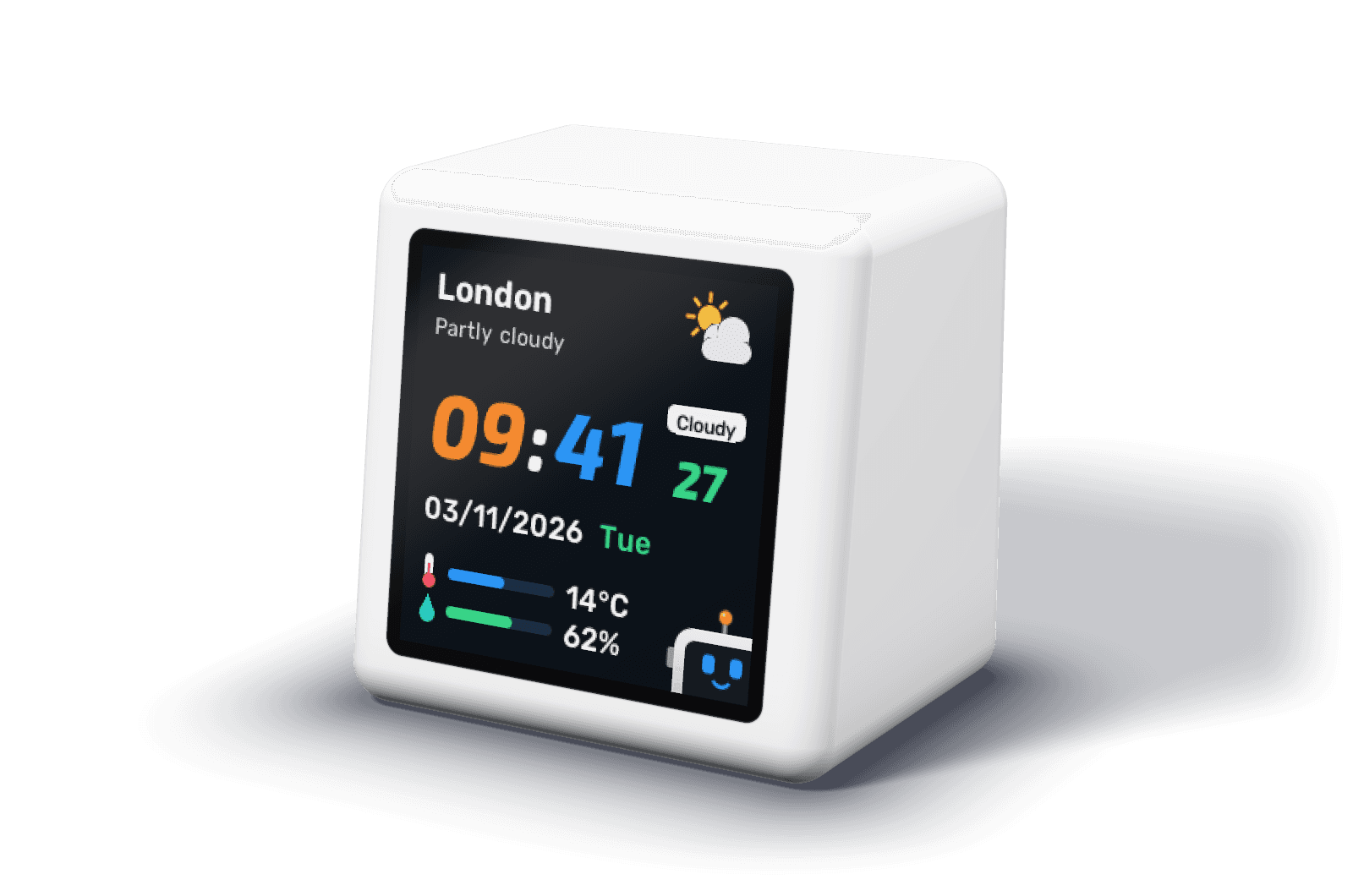
What the revenue screen shows
The revenue screen leads with MRR, shortened to three digits so it reads from across a desk: 950, 12.3K, 1.2M. ARR sits underneath. If your endpoint leaves ARR out, DeskBot shows twelve times MRR instead, so a single number is enough to start.
Two chips show the change over the last 7 and 30 days, as an amount and a percentage, in green when it is up and red when it is down. The sparkline is drawn by the clock itself: it records MRR every hour, so the trend builds up without your server keeping any history.
If you would rather see MRR all the time, turn on the strip along the bottom of the clock screen and it stays in view between rotations.
MRR and ARR, as DeskBot reads them
Monthly recurring revenue is the revenue your active subscriptions bring in each month, with annual and other plans converted to a monthly amount. Annual recurring revenue is the same figure over a year, usually MRR times twelve. DeskBot does not calculate either from raw payments: your endpoint sends the figure you already trust, and the clock displays it. That keeps the number on your desk the same as the one in your board deck.
Money can arrive as a plain number, as one amount with a currency, or as a list of currencies. DeskBot never converts between currencies; it shows the one you pick on its settings page, with £, € and $ as symbols and other currencies by their code.
Where the number comes from
DeskBot asks one HTTPS address for a small JSON reply every minute. Most teams add a route to the backend they already run. If your billing is on Stripe, the Stripe MRR page has a complete route that adds up active subscriptions by currency.
If your JSON already has the number under a different name, you do not need to change it. On the settings page each value takes a path, such as billing.mrr_usd, and DeskBot reads it from there.
{
  "revenue": {
    "mrr": [{ "currency": "USD", "amount": 120000 }],
    "arr": [{ "currency": "USD", "amount": 1440000 }],
    "change": {
      "7d": [{ "currency": "USD", "amount": 1000, "percent": 0.8 }],
      "30d": [{ "currency": "USD", "amount": 3500, "percent": 3.0 }]
    }
  }
}Why a screen and not a browser tab
A tab is something you go and check. A screen at the edge of your vision is something you notice. Founders who watch MRR in a tab tend to refresh it when anxious and forget it when busy; a number that is simply there gets glanced at between tasks, which is closer to how a team should relate to it.
It also changes the conversation in the room. When the number is on the desk, anyone walking past sees it, and a good week is visible without anyone announcing it.
Frequently asked questions
Does DeskBot calculate MRR for me?
No. It displays the MRR your endpoint sends. That is deliberate: the figure on your desk should match the one you report. For Stripe there is a ready route on the Stripe MRR page.
Can it show ARR instead of MRR?
The revenue screen shows both. Send ARR in the revenue.arr field, or leave it out and DeskBot shows twelve times MRR.
How often does the MRR update?
Once a minute by default. You can set a longer interval on the settings page; it never asks more often than once a minute.
What if we bill in more than one currency?
Send a list of amounts, one per currency. DeskBot shows the currency you choose on its settings page and never converts between them.